
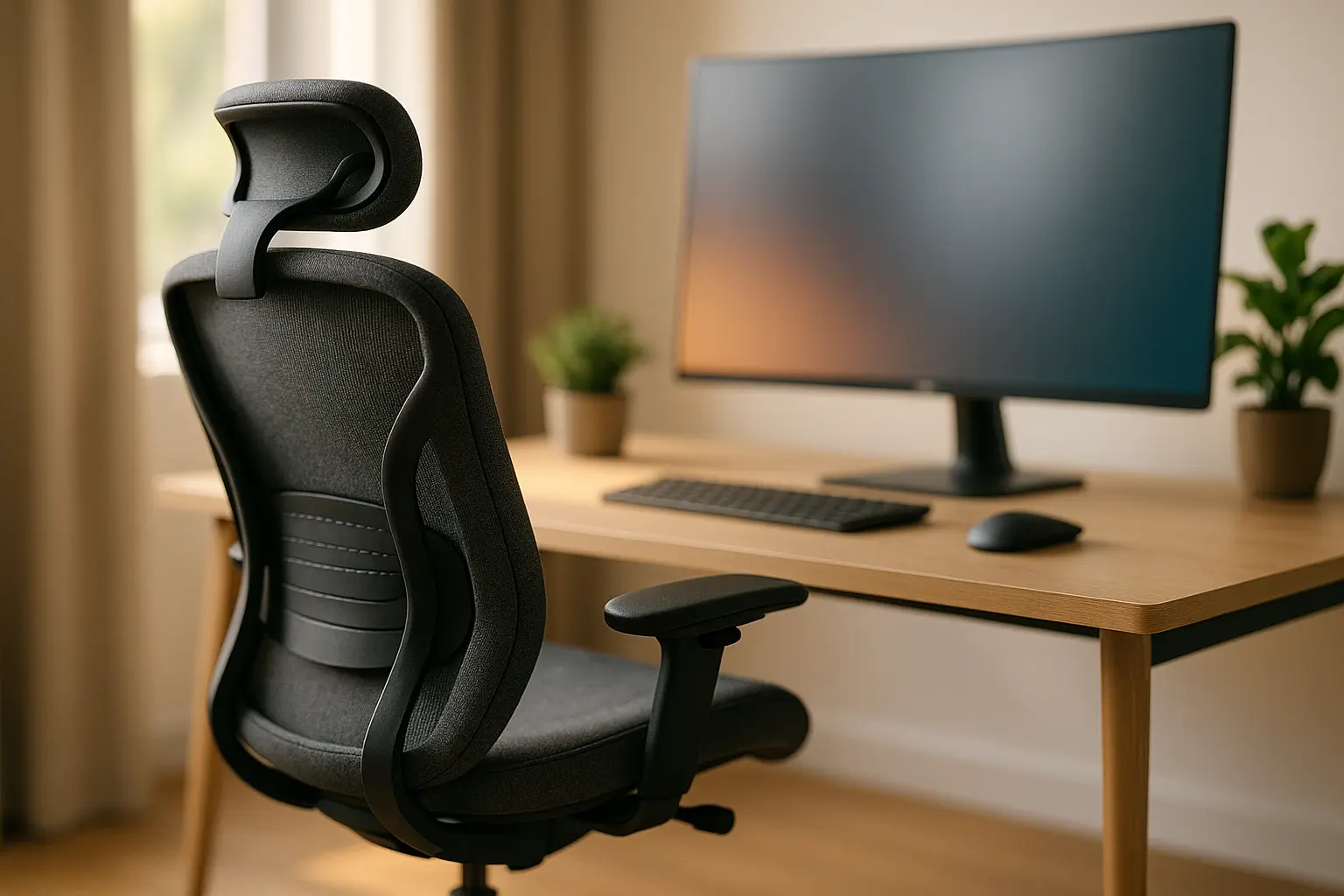
In an era where home offices have become the core of our daily work life, the concept of ergonomics is more relevant than ever. As we find ourselves tethered to our desks for longer hours, striving for productivity and comfort, we must underscore the importance of an ergonomic design in our workspace. Our modern lifestyle demands a harmonious balance between health and work efficiency, and this begins with creating a space that supports both. As we delve into this topic, let’s explore how the right furniture and thoughtful design can transform our home offices into a sanctuary for working without strain.
Crafting the Perfect Workspace
Designing an effective home office is akin to crafting a piece of art. It’s not just about aesthetics but about creating an environment that caters to our health and boosts our productivity.
The Fundamentals of Ergonomic Design
An ergonomic workspace is where furniture and design come together to support our posture and reduce physical strain. The goal is to create a workspace that encourages us to move naturally, preventing the fatigue and tension that can build up from hours of work.
Key Elements to Consider:
- Desk Height: Our desk should allow our arms to rest comfortably at a 90-degree angle when using the keyboard. This reduces stress on our shoulders and prevents repetitive stress injuries.
- Chair Selection: An ergonomically designed chair can make a world of difference. Look for one with adjustable height and lumbar support to maintain the natural curve of our spine.
- Monitor Placement: The top of our screen should be eye level, about an arm’s length away, to avoid neck strain.
- Keyboard and Mouse Positioning: Keeping these tools close helps maintain comfort and reduces the risk of carpal tunnel syndrome.
The Role of Lighting
Natural light is not just uplifting; it also reduces eye fatigue. Our workstation should ideally be near a window where we can benefit from daylight, supplemented by adjustable task lighting as needed.
Personalizing for Comfort
Each of us has unique needs, so personalization is key. Whether it’s a standing desk or a balance ball chair, the personal touches can help us adapt our workspace to better suit our individual needs.
The Impact of Ergonomics on Health and Productivity
Physical health and productivity are two sides of the same coin, especially in a home office setting. A well-designed workspace not only caters to our comfort but also significantly enhances our work output.
Health Benefits
Spending hours at a desk without proper ergonomics can lead to a myriad of health issues, from back and neck pain to more severe musculoskeletal disorders. However, by adopting an ergonomic setup, we can prevent these ailments, ensuring that our body remains pain-free, even after long working hours.
Posture and Alignment: An ergonomically sound workspace encourages us to maintain proper posture, which minimizes stress on the spine, reducing the likelihood of injury.
Eye Strain Reduction: Screens positioned at eye level, paired with frequent breaks, help alleviate strain on our eyes, making it easier to read and focus.
Boosting Productivity
When we are comfortable, our ability to focus improves significantly. An efficient workspace design minimizes distractions and interruptions, allowing us to immerse ourselves in our work.
Enhanced Concentration: An uncluttered and ergonomically arranged workspace helps maintain focus, fostering a productive environment.
Increased Motivation: When our work environment is designed with our health in mind, it boosts our morale and encourages a more engaged approach to our tasks.
Choosing the Right Office Furniture
Selecting the right furniture for our home office isn’t just about aesthetic appeal. It’s about ensuring that every piece contributes to our comfort and productivity.
Factors to Consider
- Functionality: Each item in our workspace must serve a purpose, whether it’s providing storage or supporting our health.
- Adjustability: Opt for furniture that adapts to our needs. Adjustable chairs, desks, and monitor stands are key to maintaining ergonomic harmony.
- Quality: Investing in high-quality furniture may mean higher initial costs, but it pays off through durability and the health benefits it offers.
Must-Have Pieces
- Ergonomic Chair: A chair with adjustable armrests, seat height, and lumbar support is indispensable in an ergonomic setup.
- Standing Desk: Providing the option to alternate between sitting and standing can alleviate physical strain and boost circulation.
- Compact Storage Solutions: Keeping our workspace tidy reduces stress and makes it easier to find what we need quickly.
Sustainability
Incorporating sustainable materials into our workspace not only benefits the environment but also enhances our own health by minimizing exposure to harmful chemicals often found in synthetic materials.
As we navigate the nuances of remote work and home office life, embracing ergonomics becomes not just a choice but a necessity. The way we design our workspace impacts our health, productivity, and overall well-being. By prioritizing an ergonomically sound environment, we set ourselves up for a future where work and wellness coexist harmoniously. Let us forge ahead in crafting spaces where employees thrive, both physically and mentally, paving the way for a more balanced and fulfilling working experience.
FAQ
What is ergonomics, and why is it essential for a home office setup?
Ergonomics refers to designing a workspace that fits the user’s needs, promoting comfort and efficiency. In a home office, good ergonomic practices can prevent strain, reduce fatigue, and increase productivity. By adapting the workspace to suit your body and work habits, you can improve your overall well-being and performance.
How can I adjust my chair for better ergonomics in my home office?
To enhance ergonomic support, ensure your chair is adjustable and supports your lower back. Your feet should be flat on the floor, and your knees should be at a 90-degree angle. Adjust the chair’s height so that your elbows are at the same level as your desk, minimizing strain on your shoulders and wrists.
What is the ideal position for my computer monitor to avoid eye strain?
Your monitor should be placed directly in front of you, about an arm’s length away. The top of the screen should be at or slightly below eye level to prevent neck strain. Consider using a monitor stand or adjustable arm to achieve the optimal height and angle.
How can I set up my desk to promote better ergonomics while working from home?
Organize your desk so that frequently used items are within easy reach to avoid unnecessary stretching. Use a document holder if you often refer to papers or books, positioning it next to the monitor. Ensure that your keyboard and mouse are at the same level and within comfortable reach, and consider using an ergonomic keyboard and mouse to reduce wrist strain.
What are some tips for maintaining good posture during long working hours at home?
To maintain good posture, sit with your back straight and shoulders relaxed. Take regular breaks to stretch and move around, as prolonged sitting can lead to stiffness and discomfort. Use a footrest if your feet do not rest flat on the ground, and consider using a sit-stand desk to alternate between sitting and standing throughout the day.